Virtual Staging Before and After
Real transformations — empty rooms to stunning staged spaces in seconds.
Seeing is believing. Below are real, unretouched before-and-after results from StageHQ: empty rooms on the left, AI-staged versions on the right. Every transformation took less than 30 seconds.
No credit card required · 3 free images included
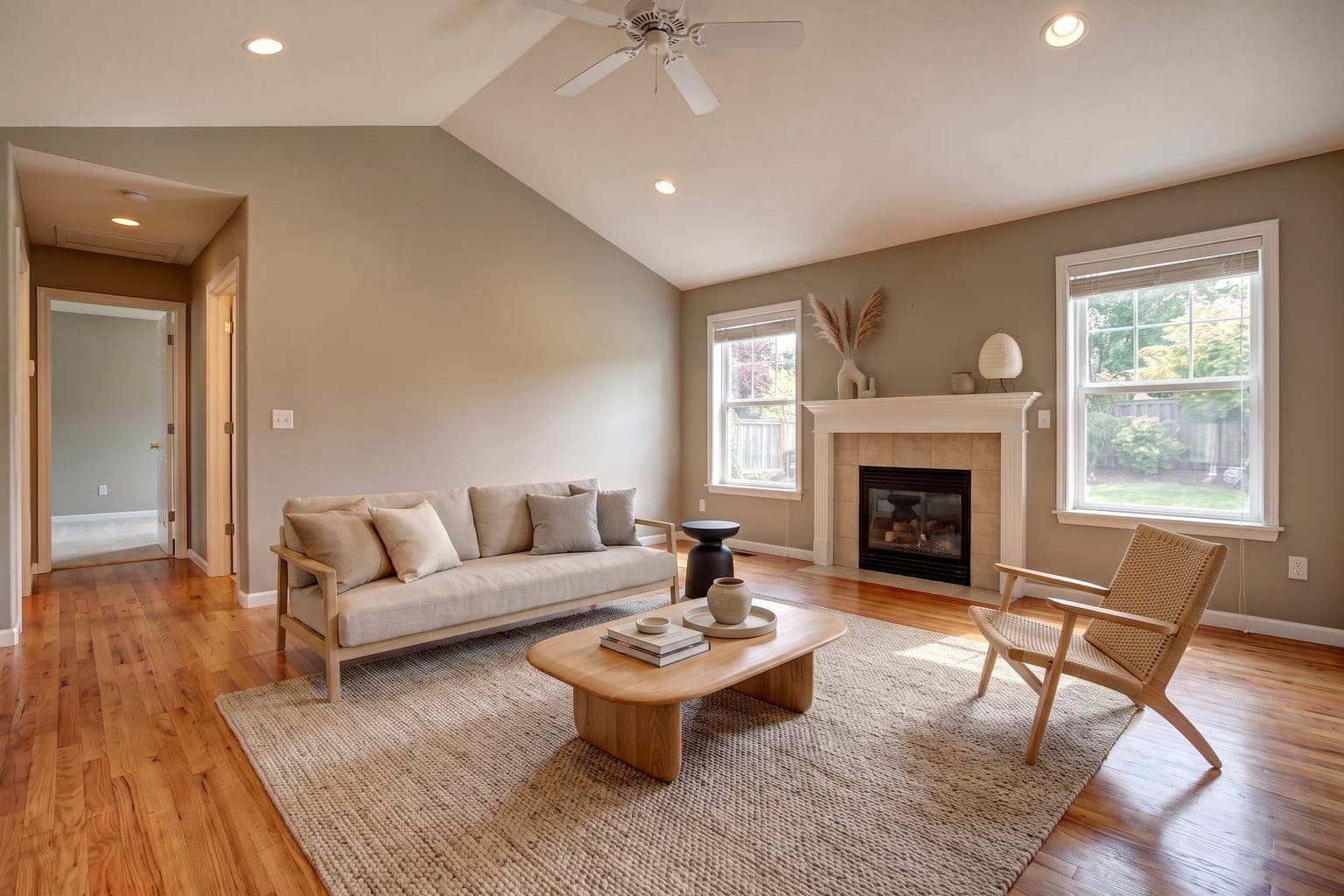 BeforeAfter
Drag the slider to compare before and after
How it works
How Virtual Staging Before and After Works
Upload Your Photo
Take or upload a photo of any empty room. Clear, well-lit images work best for realistic staging results.
Choose a Style
Pick from dozens of interior design styles — modern, farmhouse, scandinavian, luxury, mid-century, coastal, and more.
Download Your Staged Image
AI generates a photorealistic staged image in under 30 seconds. Download it and use it in your listings, portfolios, or presentations.
Before & after
Virtual Staging Before and After Results
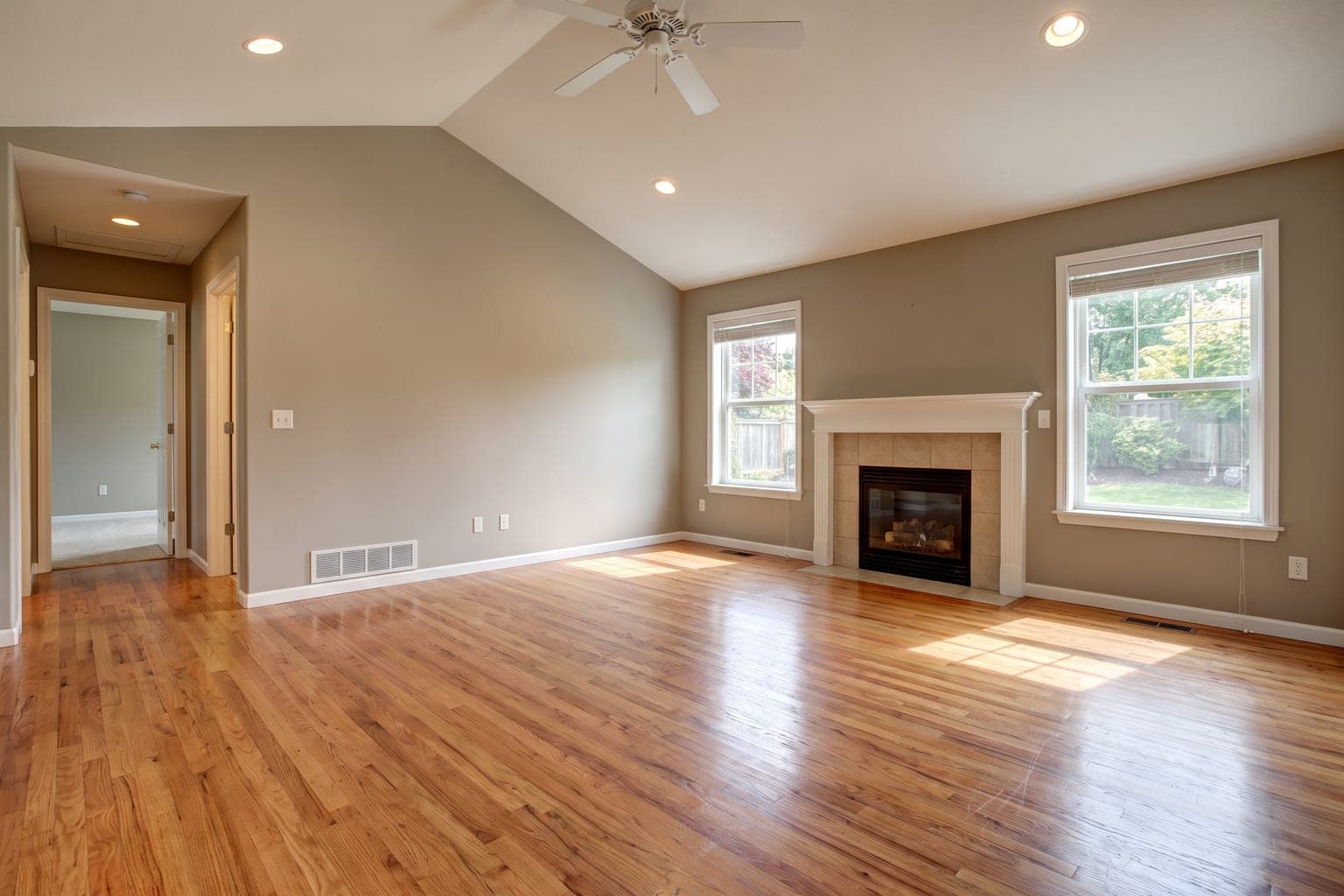 BeforeAfter
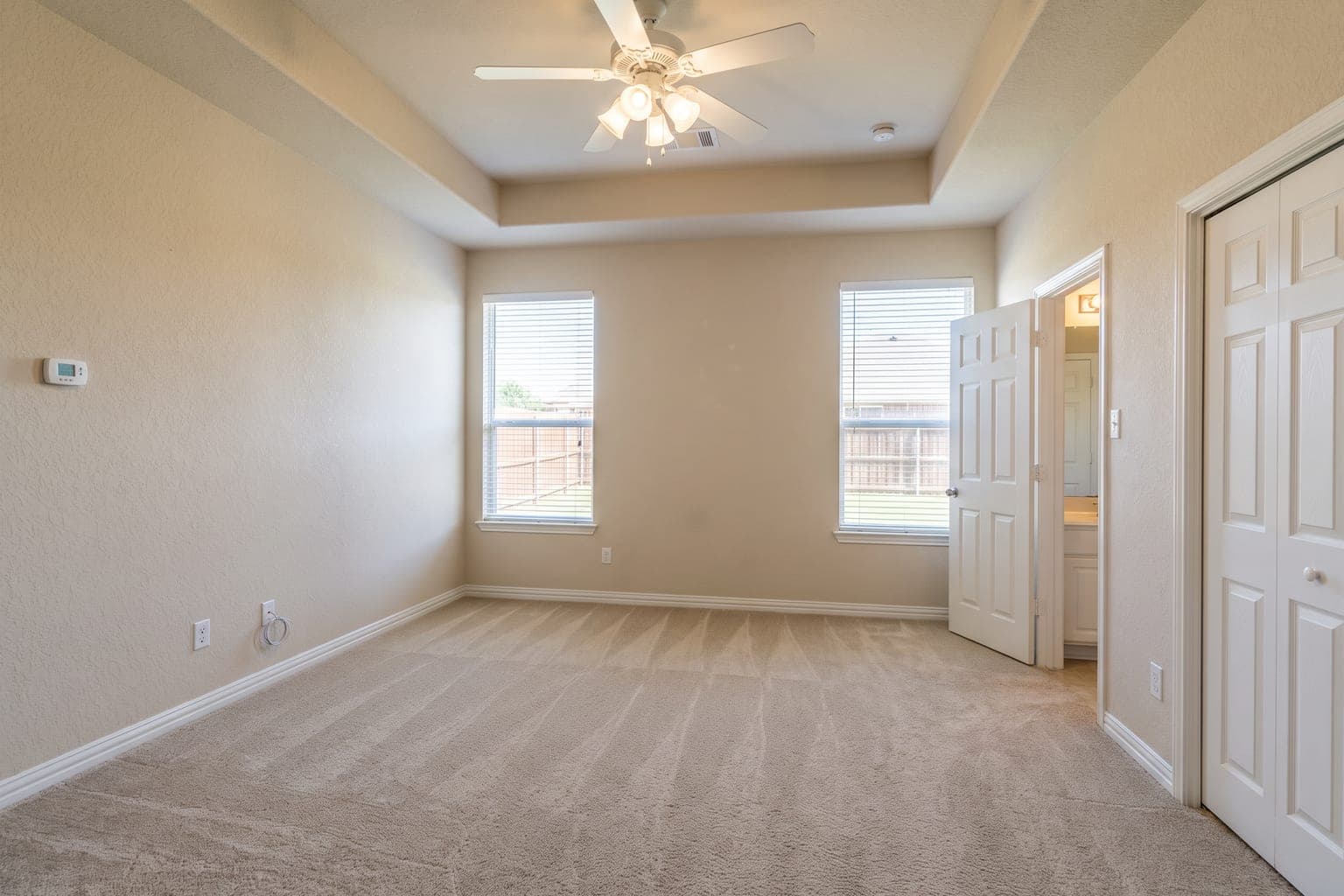 Before
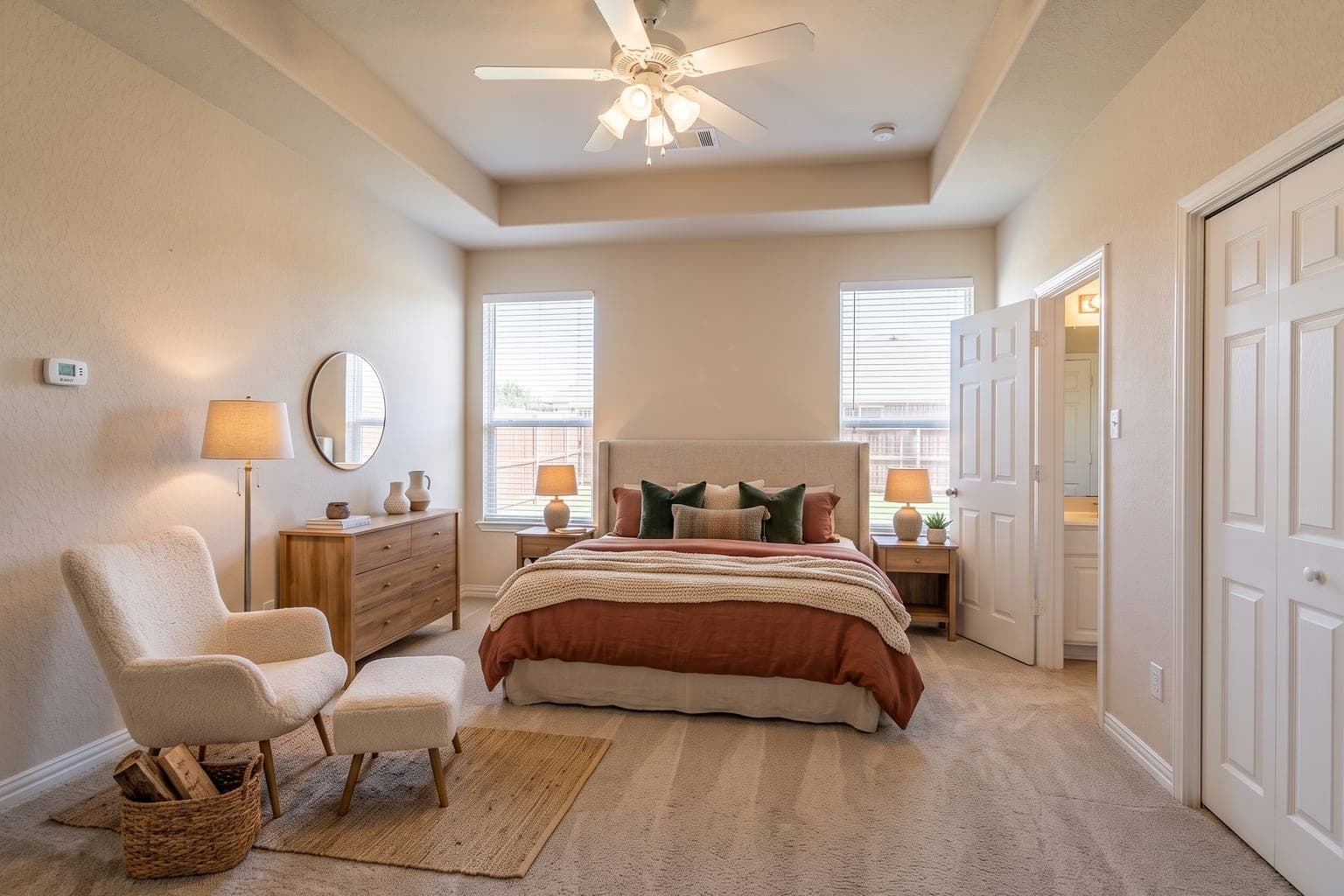 After
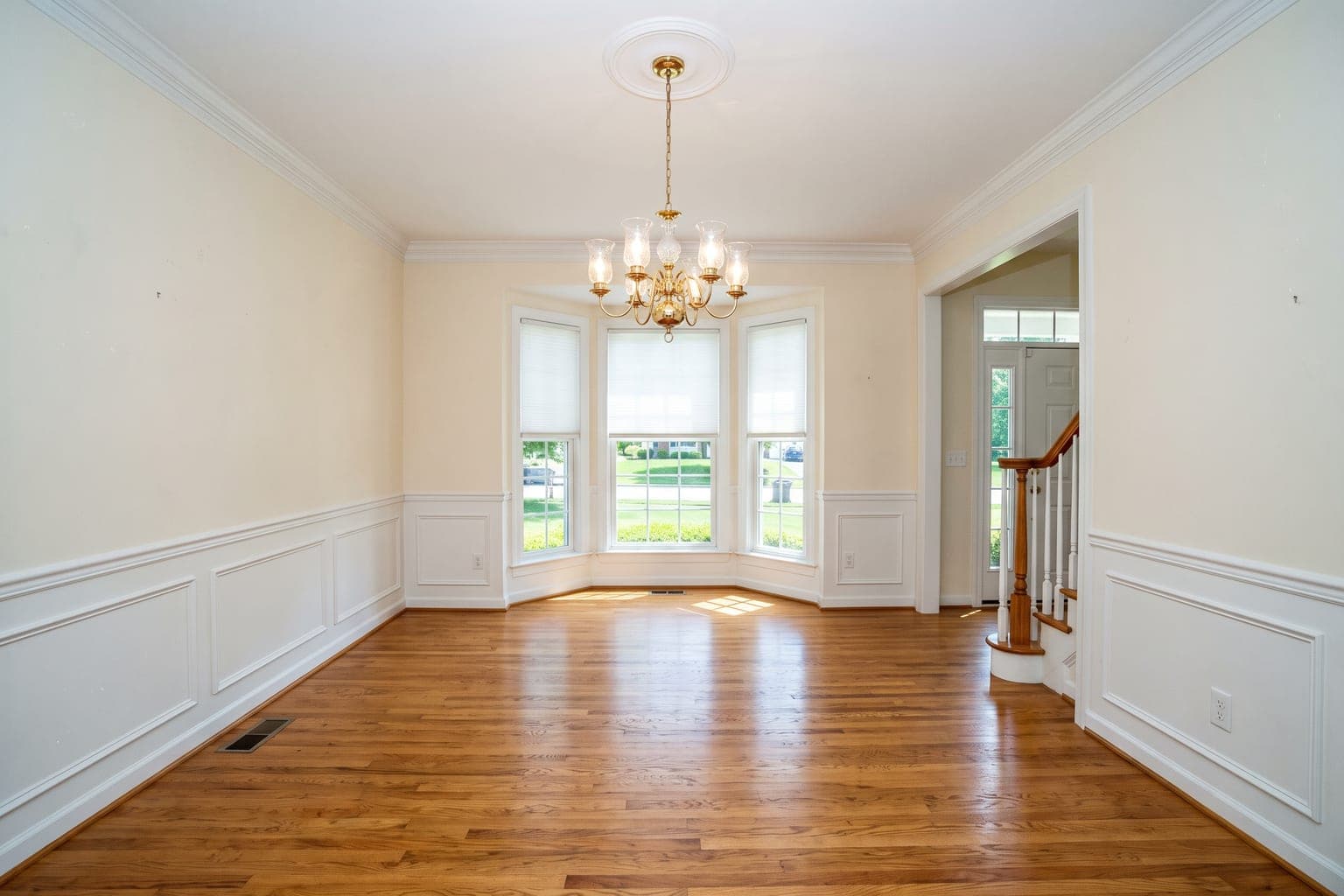 Before
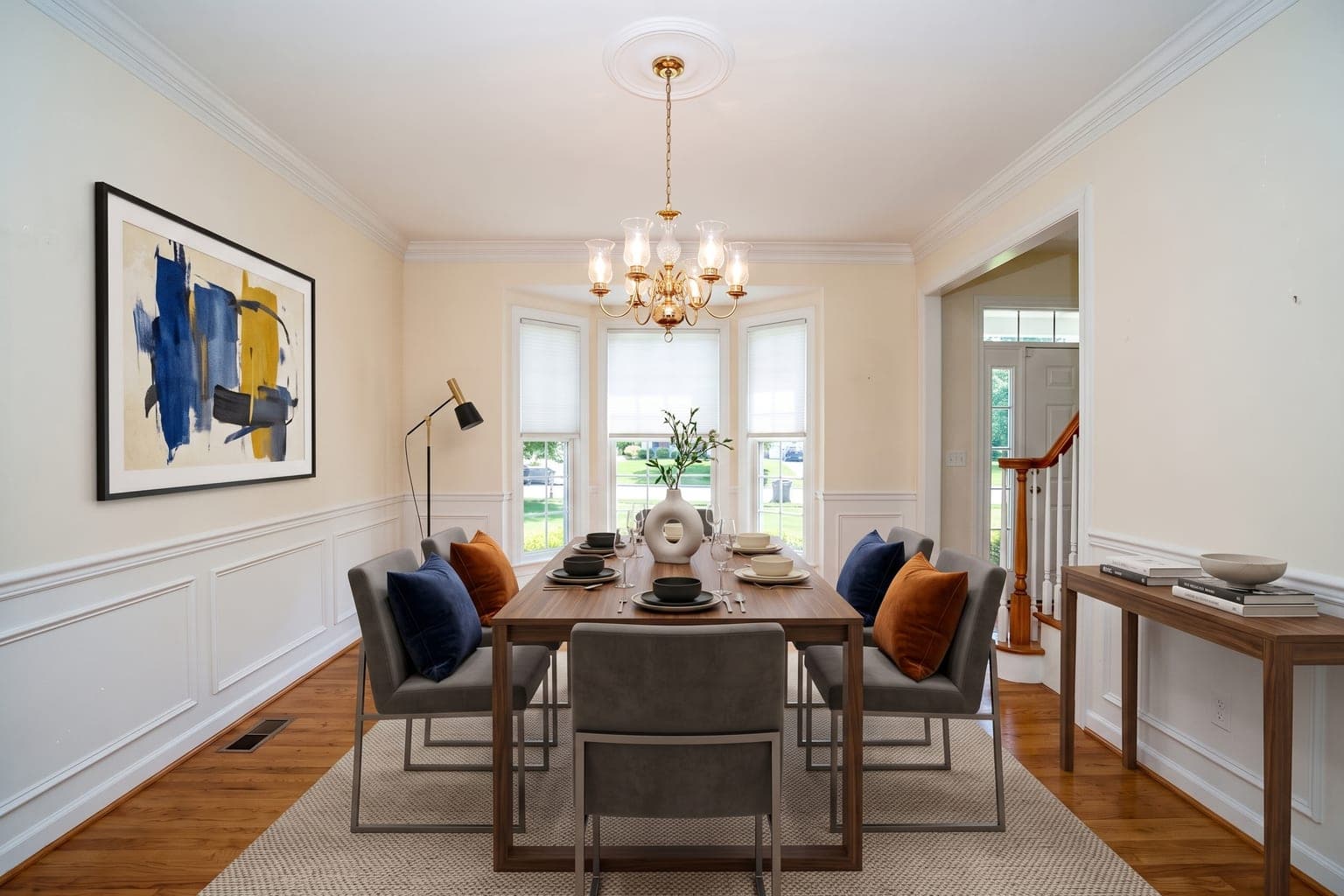 After
Why Use Virtual Staging Before and After?
Helps Buyers Picture the Home
In the National Association of Realtors' 2025 staging survey, 83% of buyers' agents said staging makes it easier for a buyer to picture a property as a future home. Virtual staging brings that to an empty-room photo at a fraction of the cost.
From $0.28 Per Image
Traditional staging costs $500–$5,000 per room. StageHQ delivers photorealistic results for as little as $0.28 per image with no minimum order.
Ready in 30 Seconds
No waiting for furniture delivery or photographer schedules. Upload a photo and get your staged image back in under 30 seconds.
Dozens of Styles
Modern, farmhouse, scandinavian, luxury, industrial, coastal, mid-century — choose from dozens of interior design styles to match any buyer profile.
FAQ
Frequently Asked Questions About Virtual Staging Before and After
Are these before and after examples real AI output?
Yes. Every after-image shown was generated directly by StageHQ's AI from the corresponding before-photo, with no manual retouching or compositing.
Will my results look this good?
With a clear, well-lit photo — yes. The AI performs best with straight-on or corner shots in good light. You can try it on your own photo free with 3 trial credits.
Does the AI change the room itself or just add furniture?
That's up to you. Precise Staging keeps walls, floors, and finishes untouched and only adds furniture. Renovation mode also updates finishes to show a property's potential.
What is Virtual Staging Before and After?
Virtual Staging Before and After is the process of digitally adding furniture and decor to photos of empty rooms. StageHQ uses AI to do this automatically — you upload a room photo, choose a furniture style, and get a photorealistic staged image in under 30 seconds.
How much does Virtual Staging Before and After cost?
StageHQ offers packages starting at $19 for 20 staged images. Volume packages bring the cost down to as little as $0.28 per image. There are no subscriptions or hidden fees — you only pay for what you use.
How long does it take to stage a room?
Most images are staged in 15–30 seconds. Upload your photo, select a room type and furniture style, and the AI generates a photorealistic staged image almost instantly.
What room types can I stage?
You can stage living rooms, bedrooms, dining rooms, kitchens, bathrooms, home offices, nurseries, and more. StageHQ supports all common residential room types.
Can I use the staged images commercially?
Yes. Every purchased credit pack includes a commercial license. You can use staged images in MLS listings, property marketing, social media, print materials, and client presentations. Free trial credits produce watermarked previews for evaluation.
Explore More Virtual Staging
StageHQ's virtual staging AI adds furniture to a photo of an empty room in the style you choose. Our guide to the best virtual staging software covers AI tools and human-edited services. For the numbers, see virtual staging cost per image in our guide.
Try Virtual Staging Before and After Free
No credit card required. Upload your first room photo and see the results for yourself.
No credit card required · 3 free images included