Remove Furniture from Real Estate Photos
Virtually declutter any room — remove existing furniture and start fresh.
Occupied homes rarely photograph well. StageHQ's AI decluttering removes existing furniture, clutter, and personal items from your photo and reconstructs the floors and walls behind them — leaving a clean, empty room ready to restage or list as-is. Label the edited photo as you would any staged image; the MLS virtual staging rules cover what to disclose.
No credit card required · 3 free images included
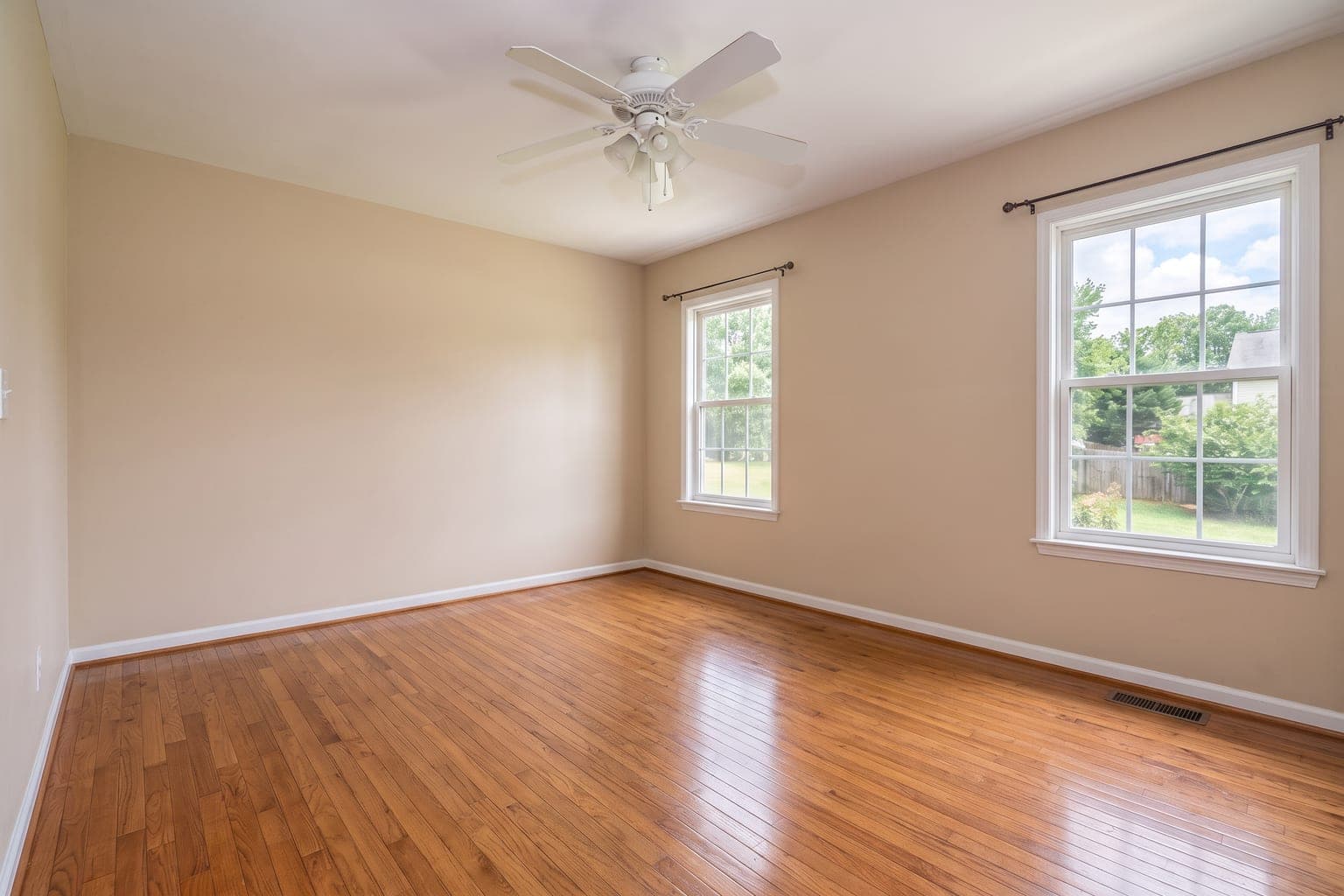 BeforeAfter
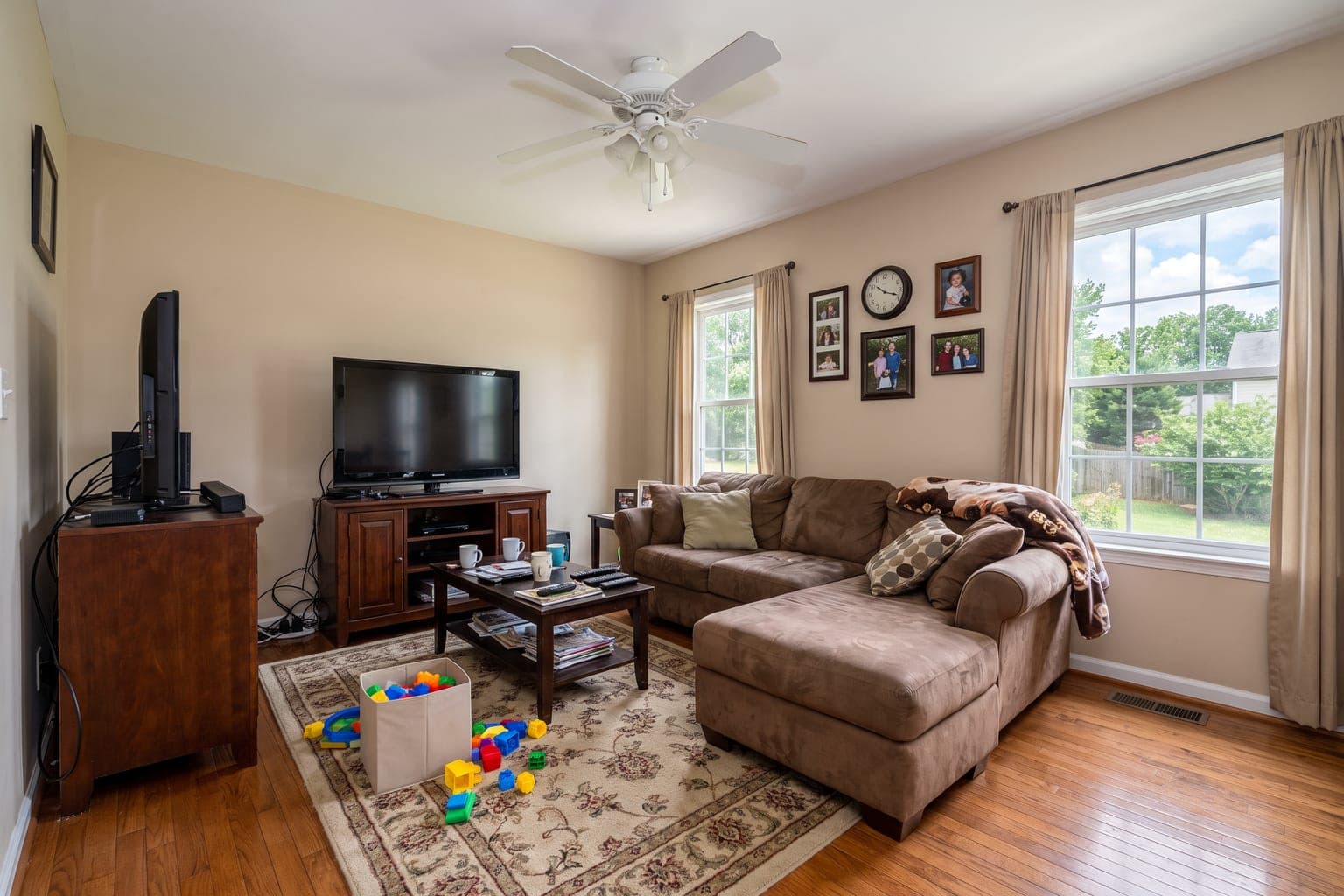
Drag the slider to compare before and after
How it works
How Remove Furniture from Photo Works
Upload Your Photo
Take or upload a photo of any empty room. Clear, well-lit images work best for realistic staging results.
Choose a Style
Pick from dozens of interior design styles — modern, farmhouse, scandinavian, luxury, mid-century, coastal, and more.
Download Your Staged Image
AI generates a photorealistic staged image in under 30 seconds. Download it and use it in your listings, portfolios, or presentations.
Before & after
Remove Furniture from Photo Results
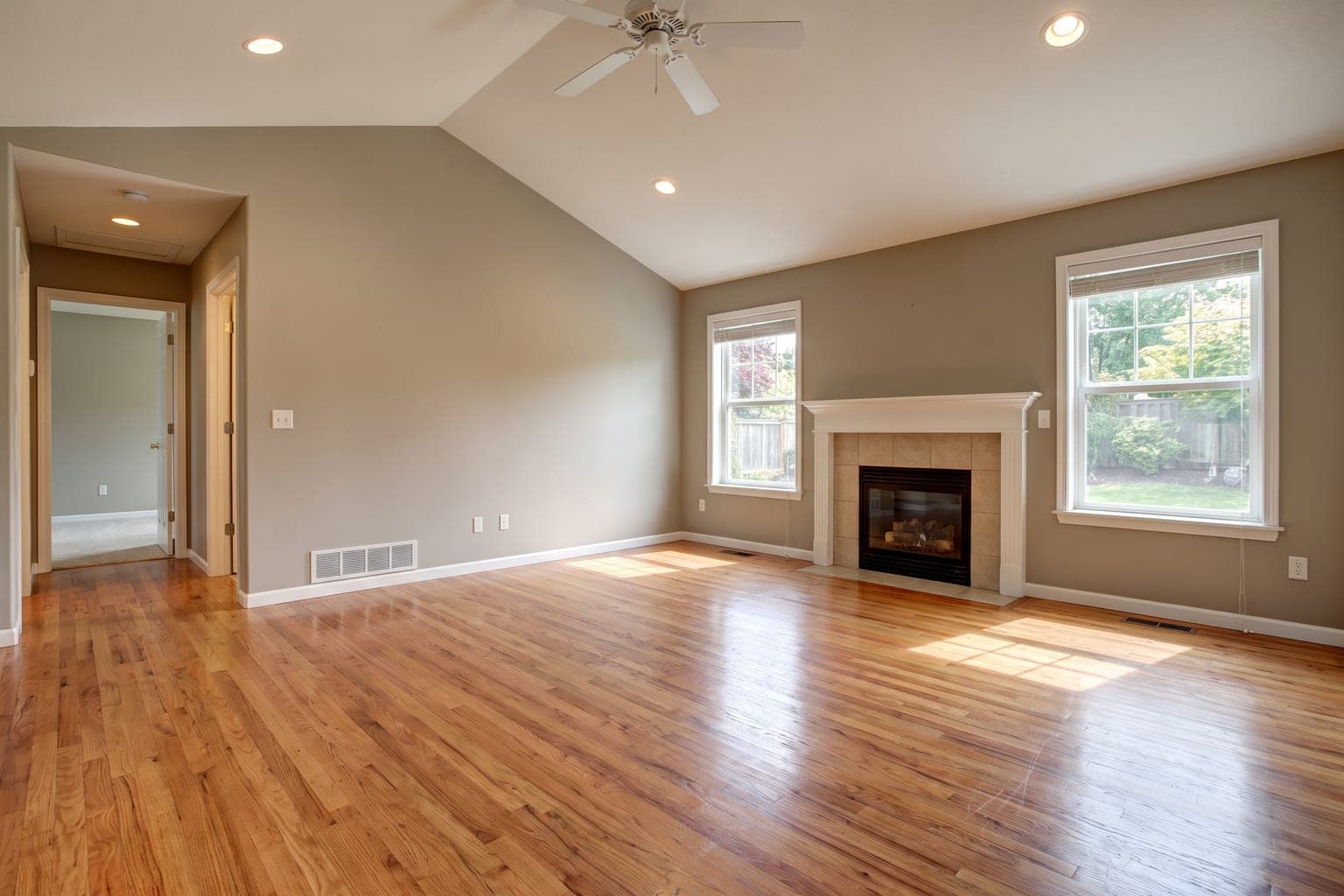 Before
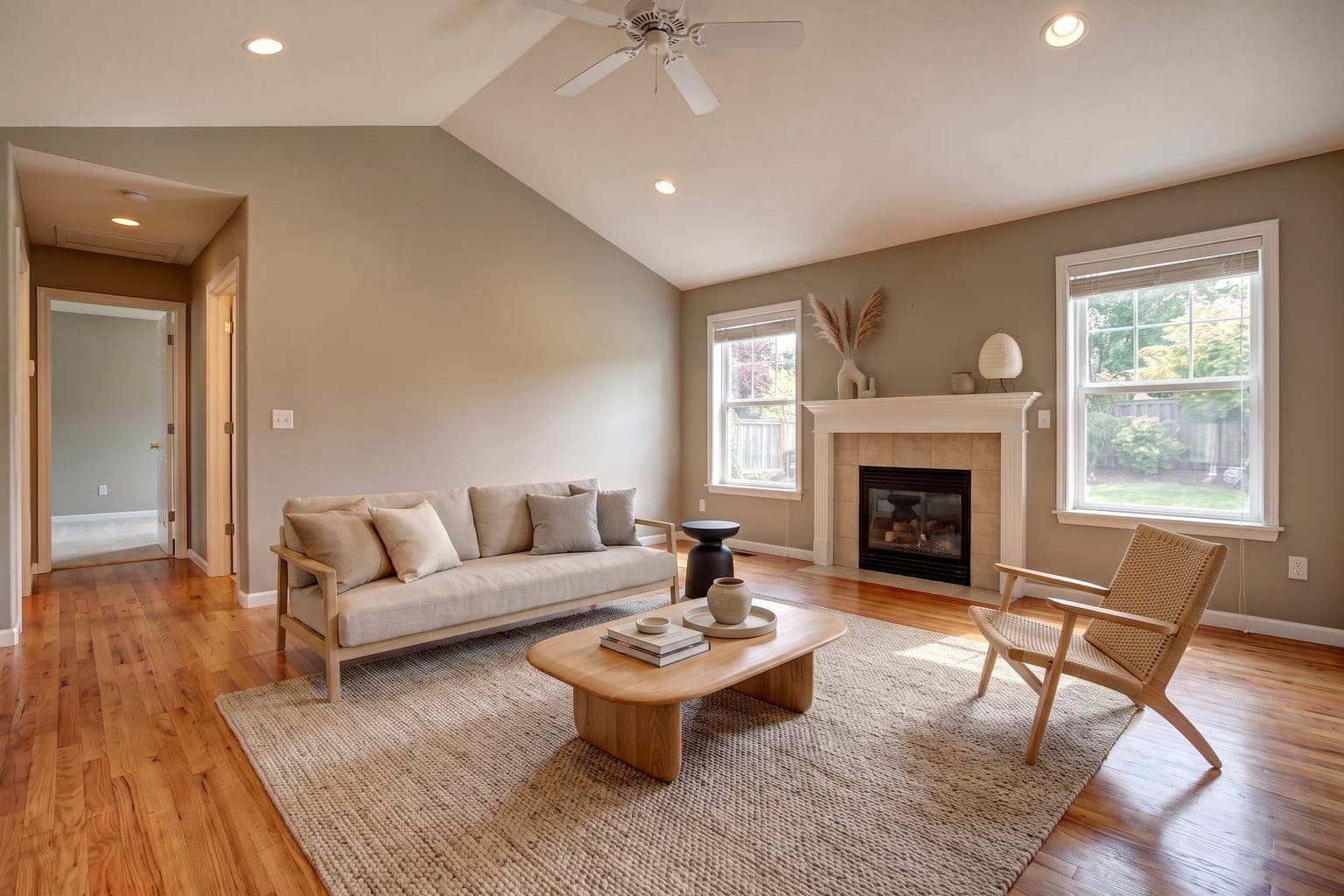 After
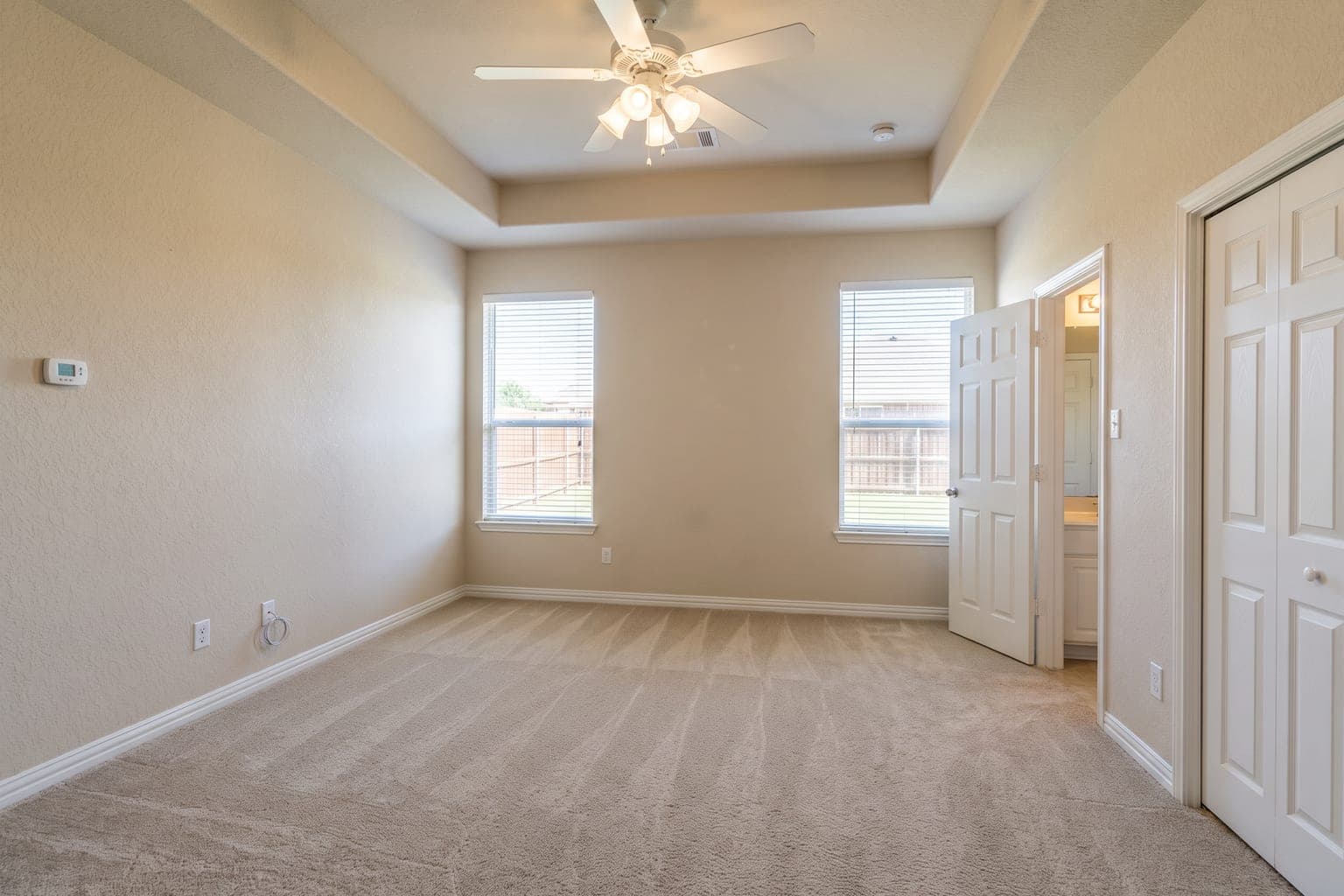 Before
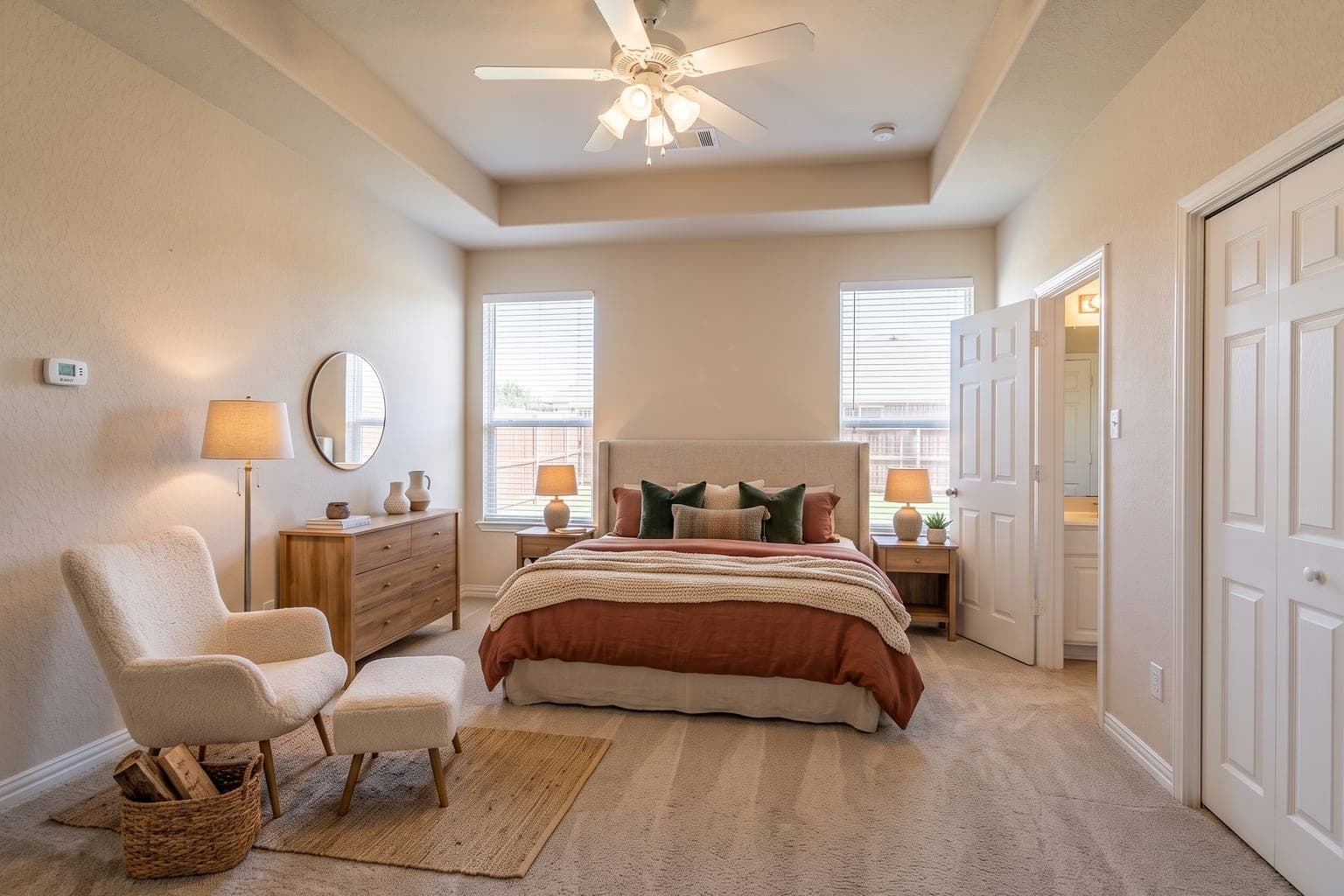 After
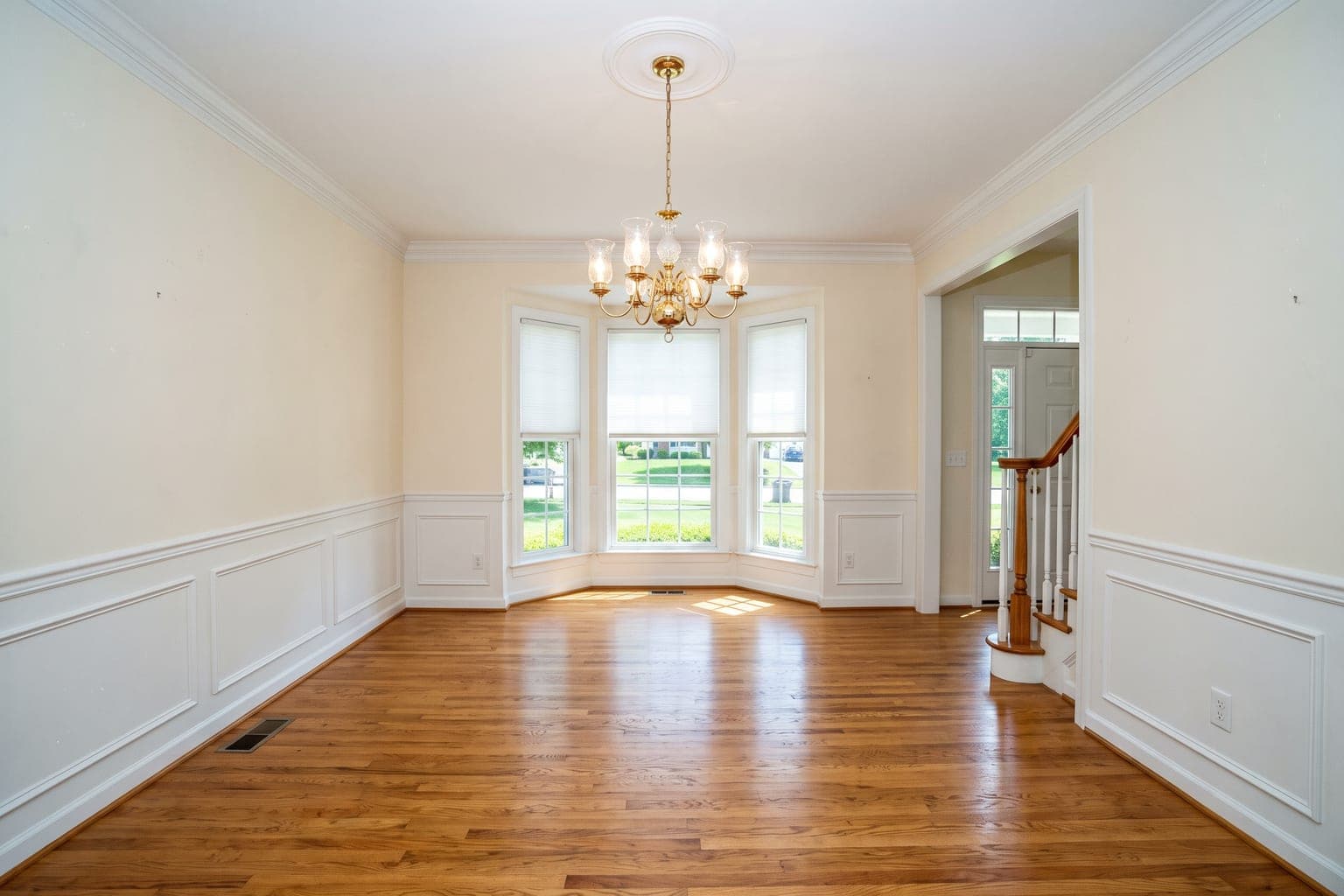 Before
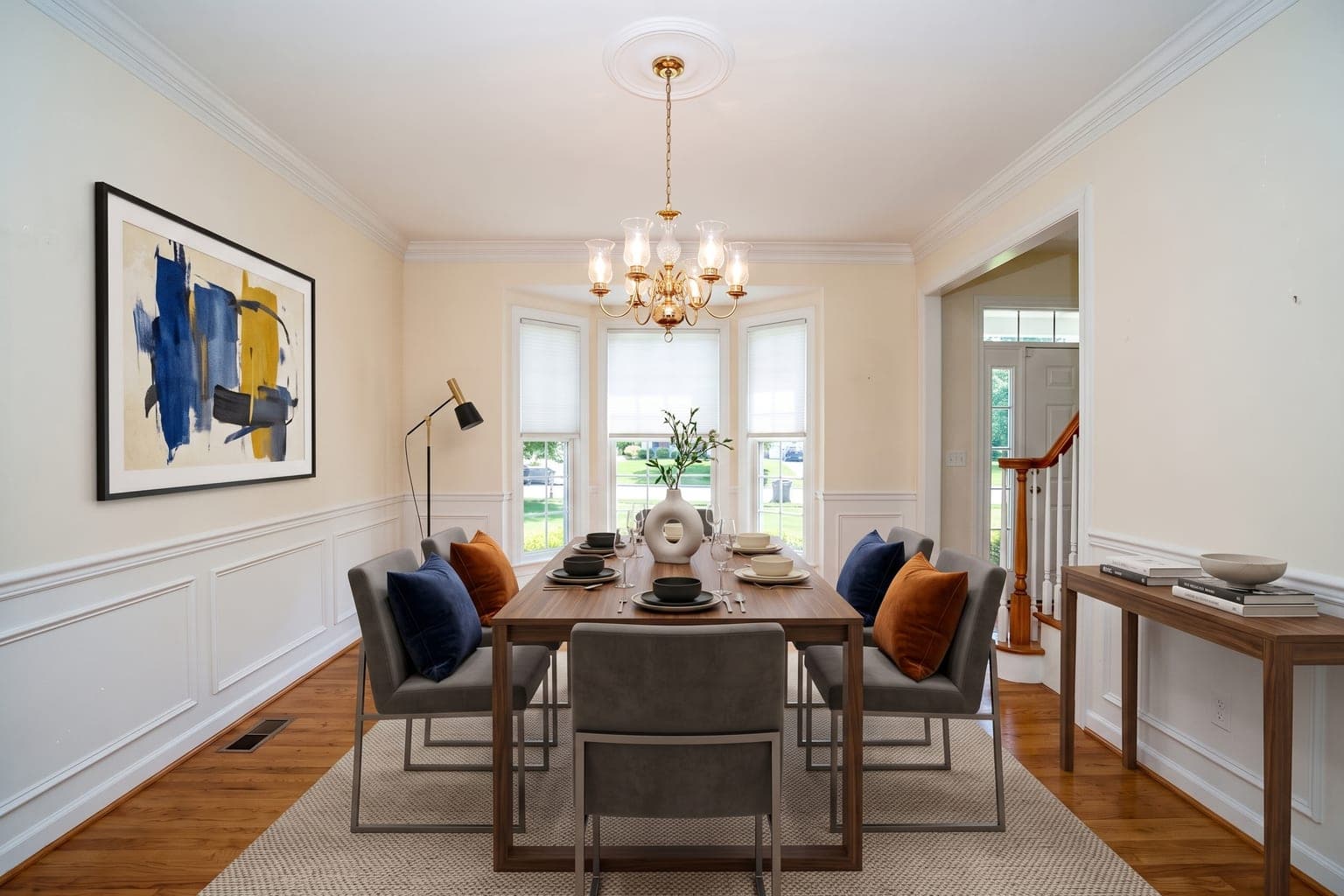 After
Why Use Remove Furniture from Photo?
Helps Buyers Picture the Home
In the National Association of Realtors' 2025 staging survey, 83% of buyers' agents said staging makes it easier for a buyer to picture a property as a future home. Virtual staging brings that to an empty-room photo at a fraction of the cost.
From $0.28 Per Image
Traditional staging costs $500–$5,000 per room. StageHQ delivers photorealistic results for as little as $0.28 per image with no minimum order.
Ready in 30 Seconds
No waiting for furniture delivery or photographer schedules. Upload a photo and get your staged image back in under 30 seconds.
Dozens of Styles
Modern, farmhouse, scandinavian, luxury, industrial, coastal, mid-century — choose from dozens of interior design styles to match any buyer profile.
FAQ
Frequently Asked Questions About Remove Furniture from Photo
How do I remove furniture from a real estate photo?
Upload the photo, choose Remove Furniture, and download the empty room. The AI removes furniture, rugs and clutter and rebuilds the floor and walls behind them; windows, doors and fixtures stay as photographed. Then stage the empty room in any style, or list it as-is. Your first 3 images are free with a preview watermark; after that a photo costs $0.28–$0.95 in credits that never expire.
Do I need to disclose furniture removal on the MLS?
Yes. Removing furniture alters the photo, so label it as virtually staged or digitally altered, the same as a staged image. Removal must never hide defects such as stains, cracks or water damage — buyers will see them at the showing.
How does AI furniture removal work?
The AI detects furniture and objects in your photo, removes them, and intelligently reconstructs the floor, walls, and baseboards that were hidden behind them — producing a clean, photorealistic empty room.
Can I remove furniture and restage in one go?
Yes. Declutter the photo first, then stage the emptied room in any of dozens of furniture styles. It's the standard workflow for occupied or dated listings.
Does furniture removal work on cluttered or messy rooms?
Yes. The AI handles heavily furnished and cluttered spaces, removing items while preserving the room's architecture, windows, and lighting.
What is Remove Furniture from Photo?
Remove Furniture from Photo is the process of digitally adding furniture and decor to photos of empty rooms. StageHQ uses AI to do this automatically — you upload a room photo, choose a furniture style, and get a photorealistic staged image in under 30 seconds.
How much does Remove Furniture from Photo cost?
StageHQ offers packages starting at $19 for 20 staged images. Volume packages bring the cost down to as little as $0.28 per image. There are no subscriptions or hidden fees — you only pay for what you use.
How long does it take to stage a room?
Most images are staged in 15–30 seconds. Upload your photo, select a room type and furniture style, and the AI generates a photorealistic staged image almost instantly.
What room types can I stage?
You can stage living rooms, bedrooms, dining rooms, kitchens, bathrooms, home offices, nurseries, and more. StageHQ supports all common residential room types.
Can I use the staged images commercially?
Yes. Every purchased credit pack includes a commercial license. You can use staged images in MLS listings, property marketing, social media, print materials, and client presentations. Free trial credits produce watermarked previews for evaluation.
Explore More Virtual Staging
StageHQ is AI virtual staging for real estate listings: upload a photo of an empty room and download it furnished. Still choosing a tool? See the virtual staging software we compared, StageHQ included. Want one tool for every device? See our virtual staging software for real estate.
Try Remove Furniture from Photo Free
No credit card required. Upload your first room photo and see the results for yourself.
No credit card required · 3 free images included